Kobo Highlights Reader
Browse and export your Kobo e-reader highlights and annotations. Free, private, runs entirely in your browser.
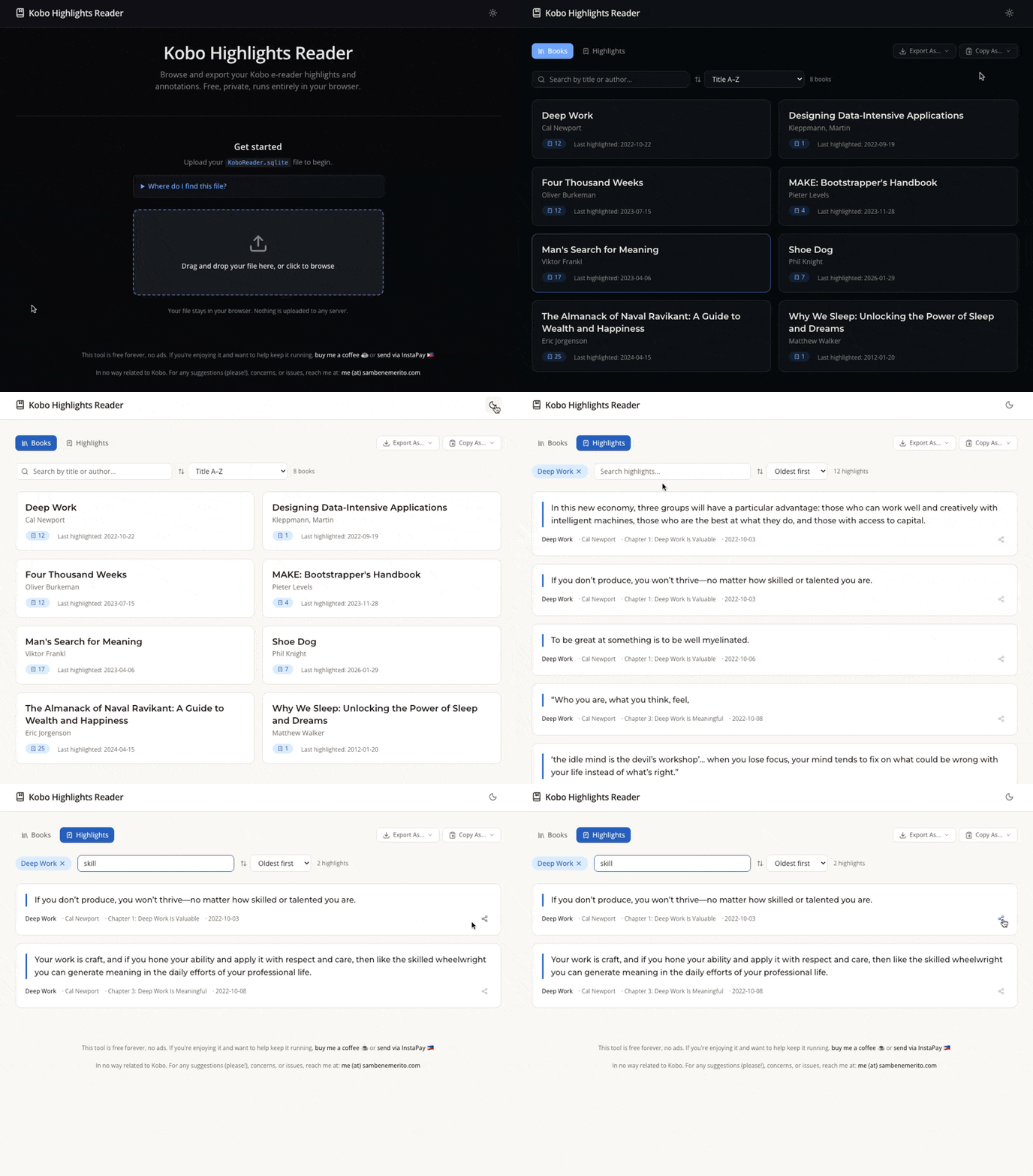
Get started
Upload your KoboReader.sqlite file to begin.
Where do I find this file?
Connect your Kobo e-reader to your computer via USB. The file is located inside the .kobo folder
on the device. This folder is hidden by default.
On Mac
Open the Kobo drive in Finder, then press ⌘ Cmd + ⇧ Shift + . to reveal hidden files.
On Windows
Open the Kobo drive in File Explorer, click the View tab, then check Hidden items.
Once visible, open the .kobo folder and you'll find KoboReader.sqlite inside.
Your file stays in your browser. Nothing is uploaded to any server.